DemoFocus
Get your browser ready. Keep your audience with you.
Cursor halo adds a visible ring around your pointer. Click highlight pulses on every click.
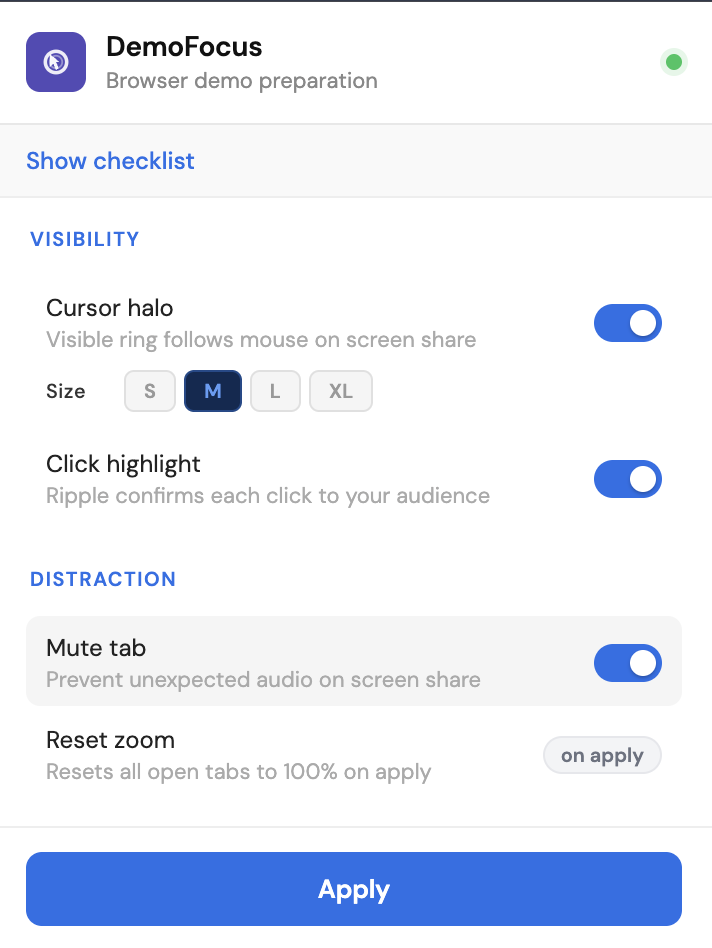
Cursor halo adds a visible ring around your pointer. Click highlight pulses on every click.
On a screen share, the picture is smaller and slower than what you see. Your cursor disappears. Your clicks land with no visible feedback. A notification fires, or the zoom is wrong, or a tab plays audio you forgot about. By the time you notice, your audience has already stopped following.
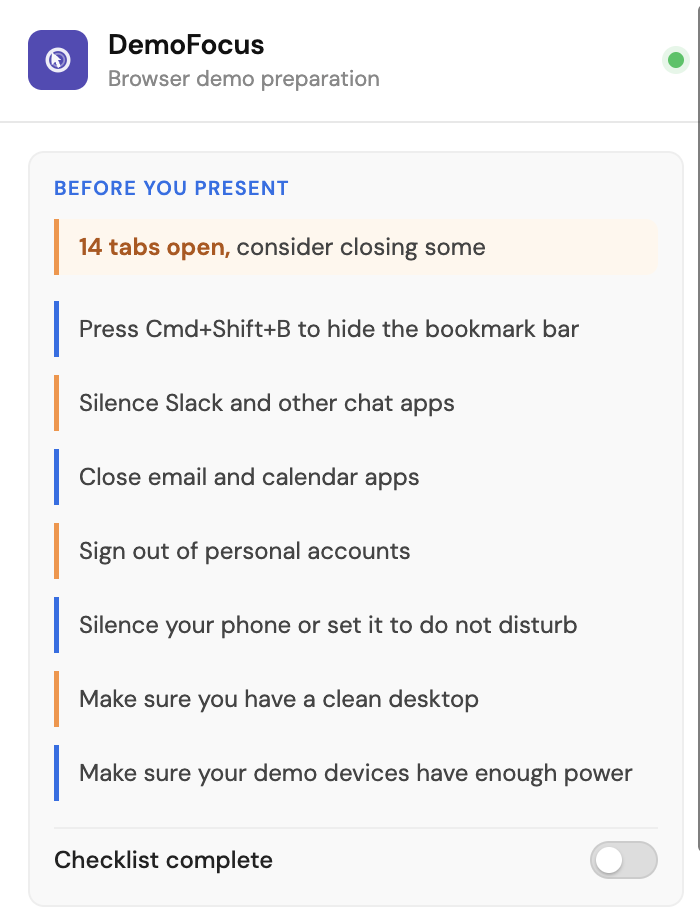
DemoFocus runs a pre-demo checklist before you share, so the common mistakes are caught while there is still time to fix them. During the demo, a cursor halo and click highlight make every move easy to track. Mute tab stops surprise audio. Reset zoom puts every tab back to 100 percent. Your audience sees exactly what you are doing.
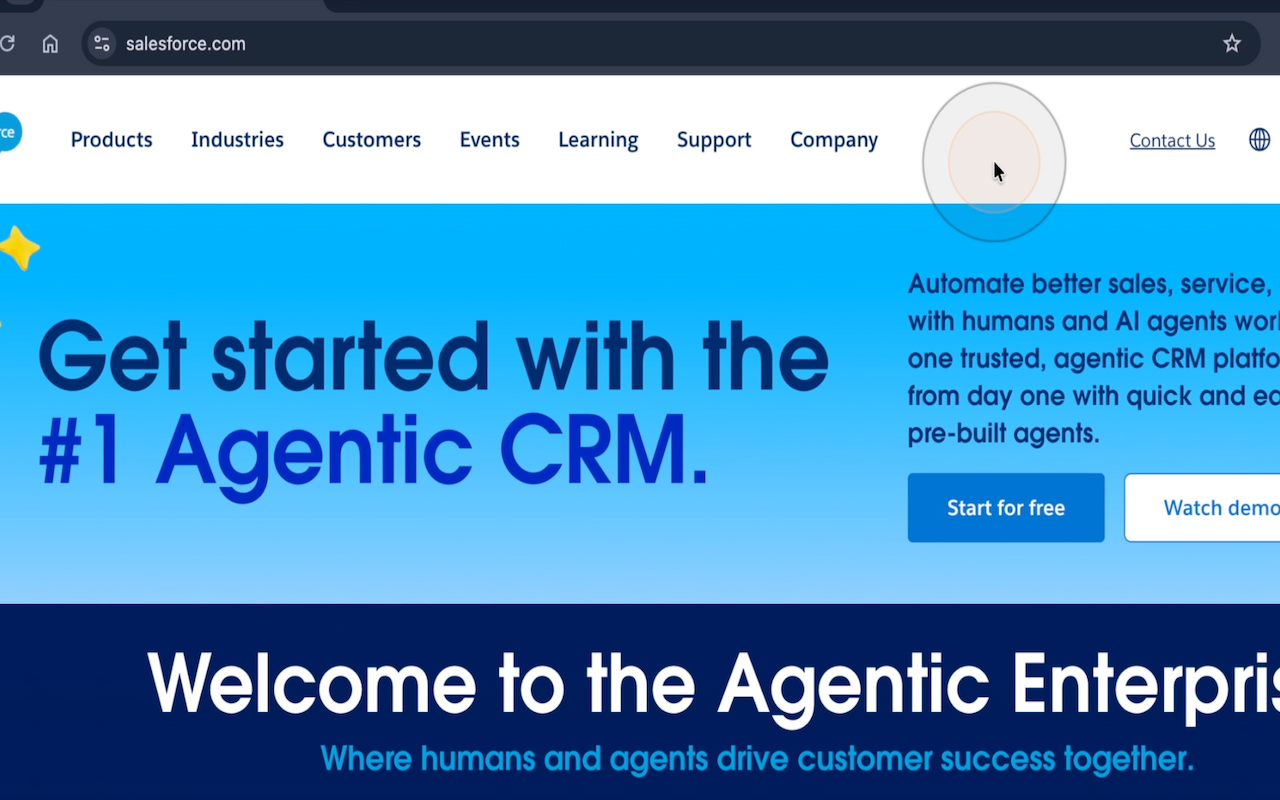
Engineers presenting at sprint reviews are accidental presenters. Same browser problems as anyone, no presentation training. The checklist catches the setup mistakes. Cursor halo and click highlight keep the room following the code.
CSMs run onboarding walkthroughs and training sessions all day. The audience is often seeing the product for the first time. A visible cursor and confirmed clicks mean the customer can follow every step without asking you to slow down.
Investor and partner demos are high stakes and low margin for error. The checklist clears the browser before you share. The visual tools keep attention on the product, not on a stray notification or the wrong zoom level.